Texting
Included with Pro Upgrade
Messages Forwarded to Email
If your system is upgraded to Pro and a customer sends an SMS message to any of your Fongo Works business phone numbers (excluding toll free numbers), the message will be forwarded to the “SMS Forwarding Email”. By default, this is set to the owner’s email the account was signed up with and is used to login to your online dashboard.
Note:
You can contact our support team to change the SMS Forwarding Email on your account, which is where the text messages will be routed.
What Does the Email Look Like?
From Name:
Sender # XXX-XXX-XXXX
(the number that sent you the message)
From Email:
[email protected]
Subject:
Text Message (if an SMS was sent)
Picture Message (if an MMS was sent)
Content:
The SMS message that was sent will be the content of the email. MMS messages will have the photo attached as a jpg.
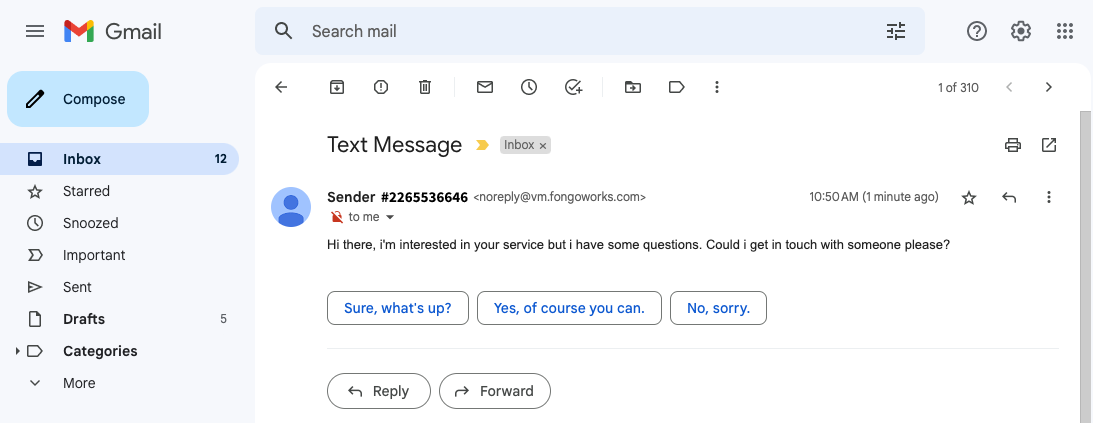
Note: You cannot reply to the email
Recommendation for 2-way SMS
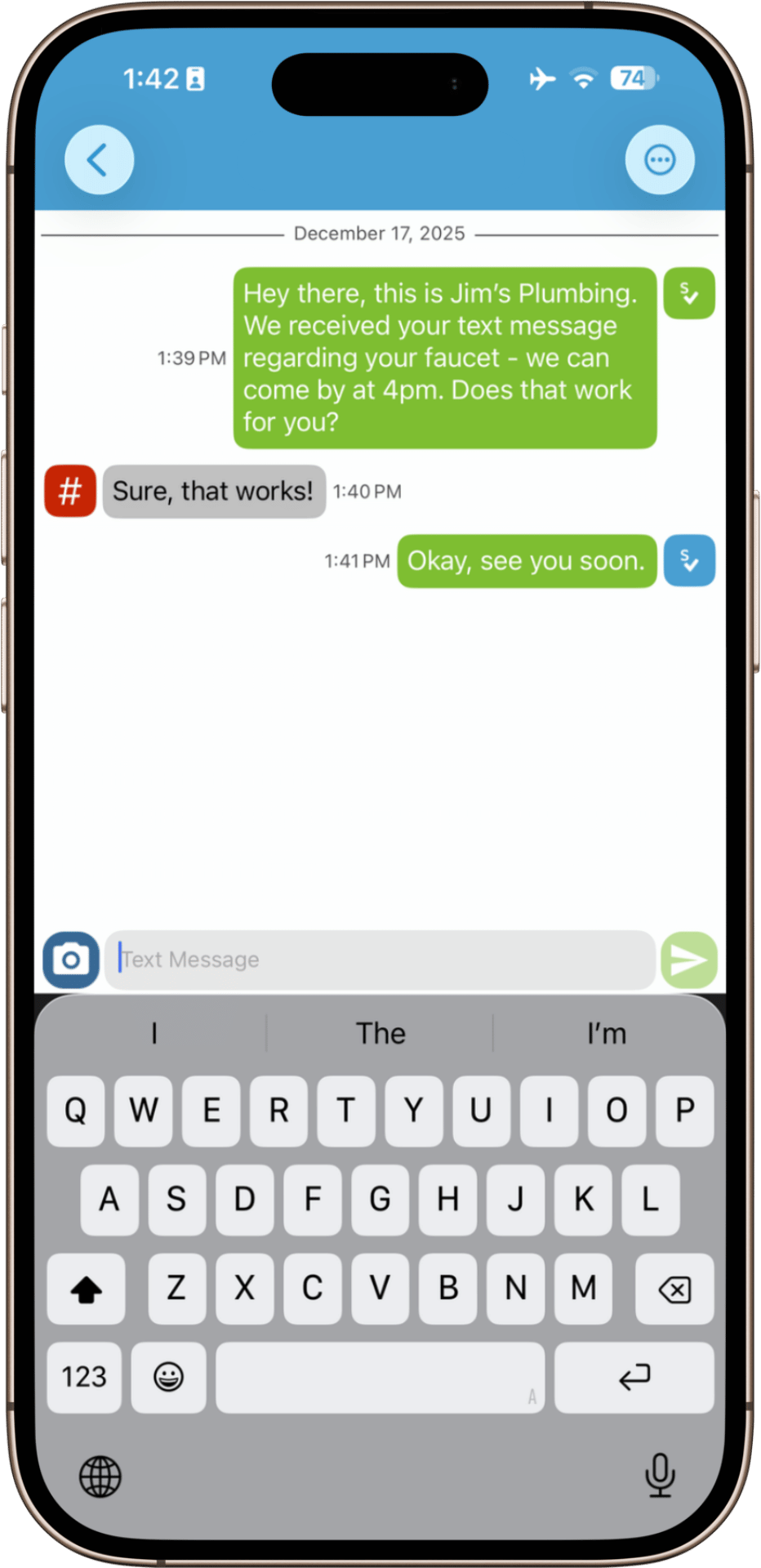
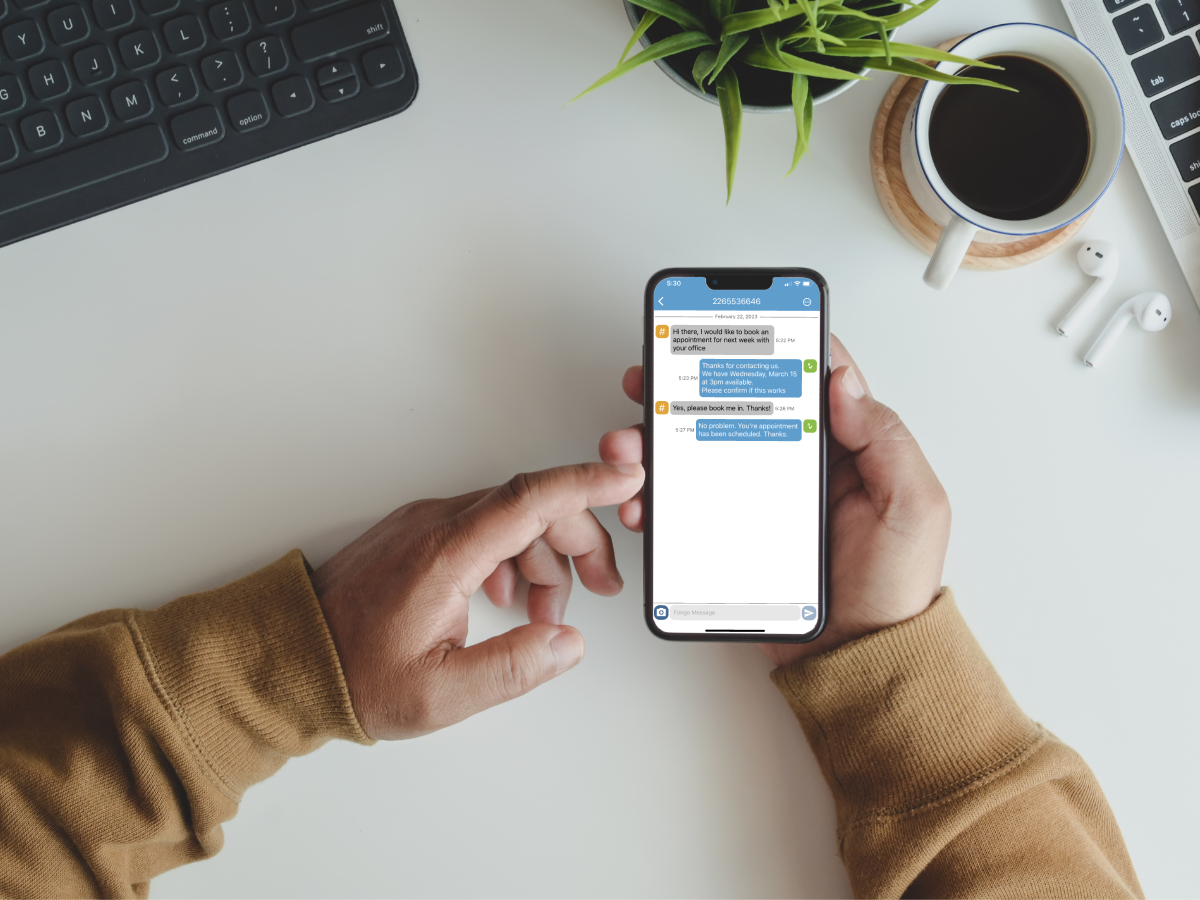
Fongo Works at this time cannot send SMS text messages. However, you can use the Fongo Mobile app to engage in 2-way SMS conversations with customers.
- Optional – Upgrade your Fongo Works account to Pro, enabling text-to-email forwarding
- Create a Fongo Mobile account in the Fongo Mobile app
- You will be given a free Canadian phone number
- Purchase a texting add-on in the app
- This gives you the ability to send/receive SMS messages using Fongo Mobile
Note: The Fongo Mobile app does not “connect/link” to your Fongo Works system, and would not use the Fongo Works number to send text messages. While signing up for the Fongo Mobile app, you would choose a new phone number.